Setting up your Distributor Account
(Existing distributors migrating from the old portal)
Time to Complete ~10 minutes
Requirements KICKER account number, tax id number
1. Click the following link to start: Existing Distributor Registration
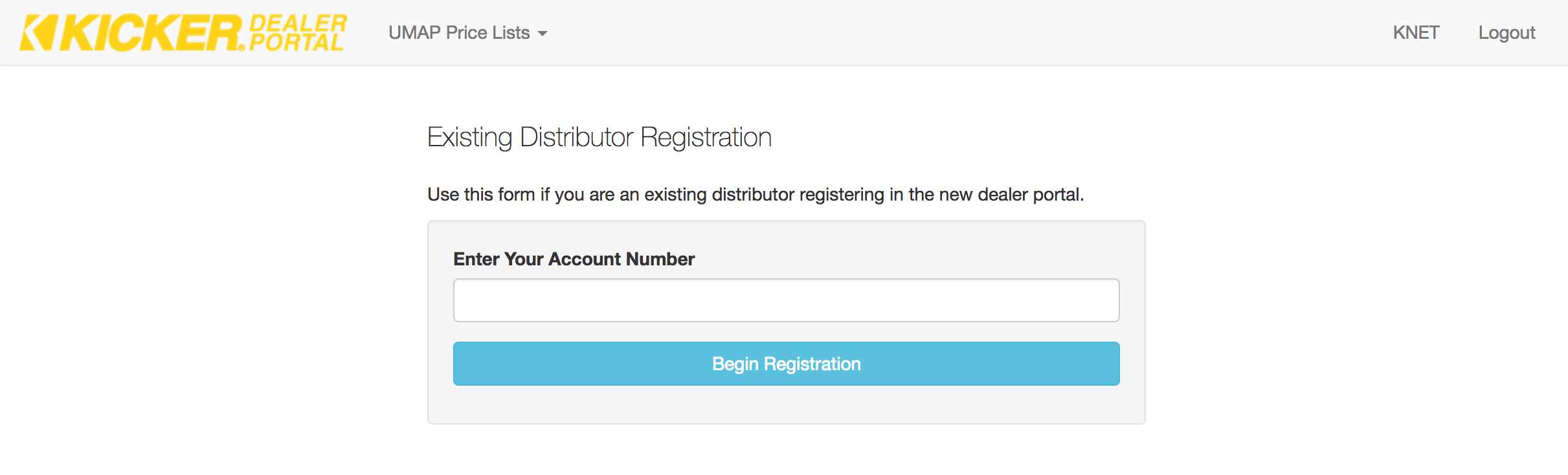
2. Enter your distributor account number and click the Begin Registration button.
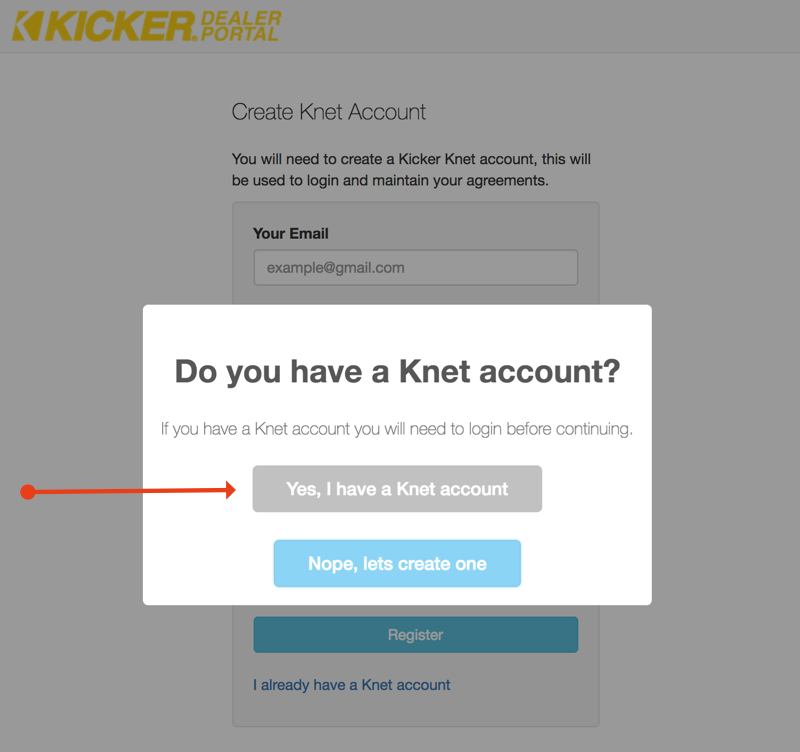
3. If you have an existing knet account make sure and choose Yes, I have a Knet account to link your portal account with your Knet account.
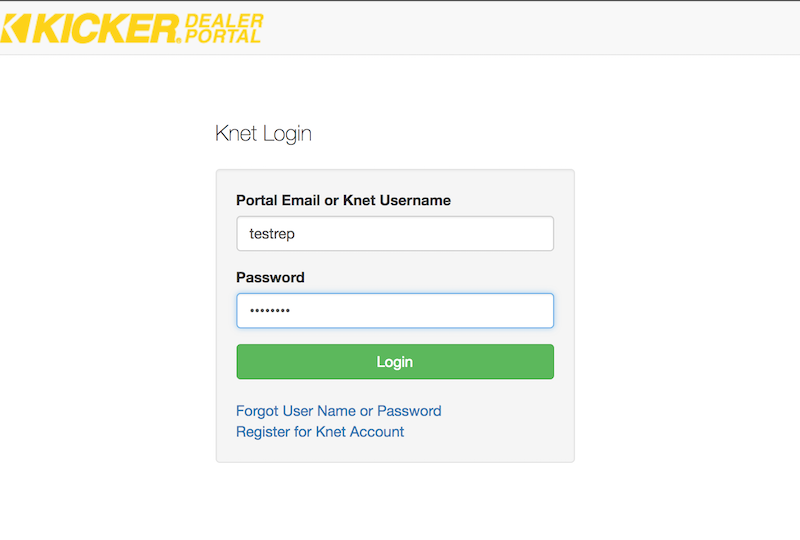
4. Enter your existing Knet username and password
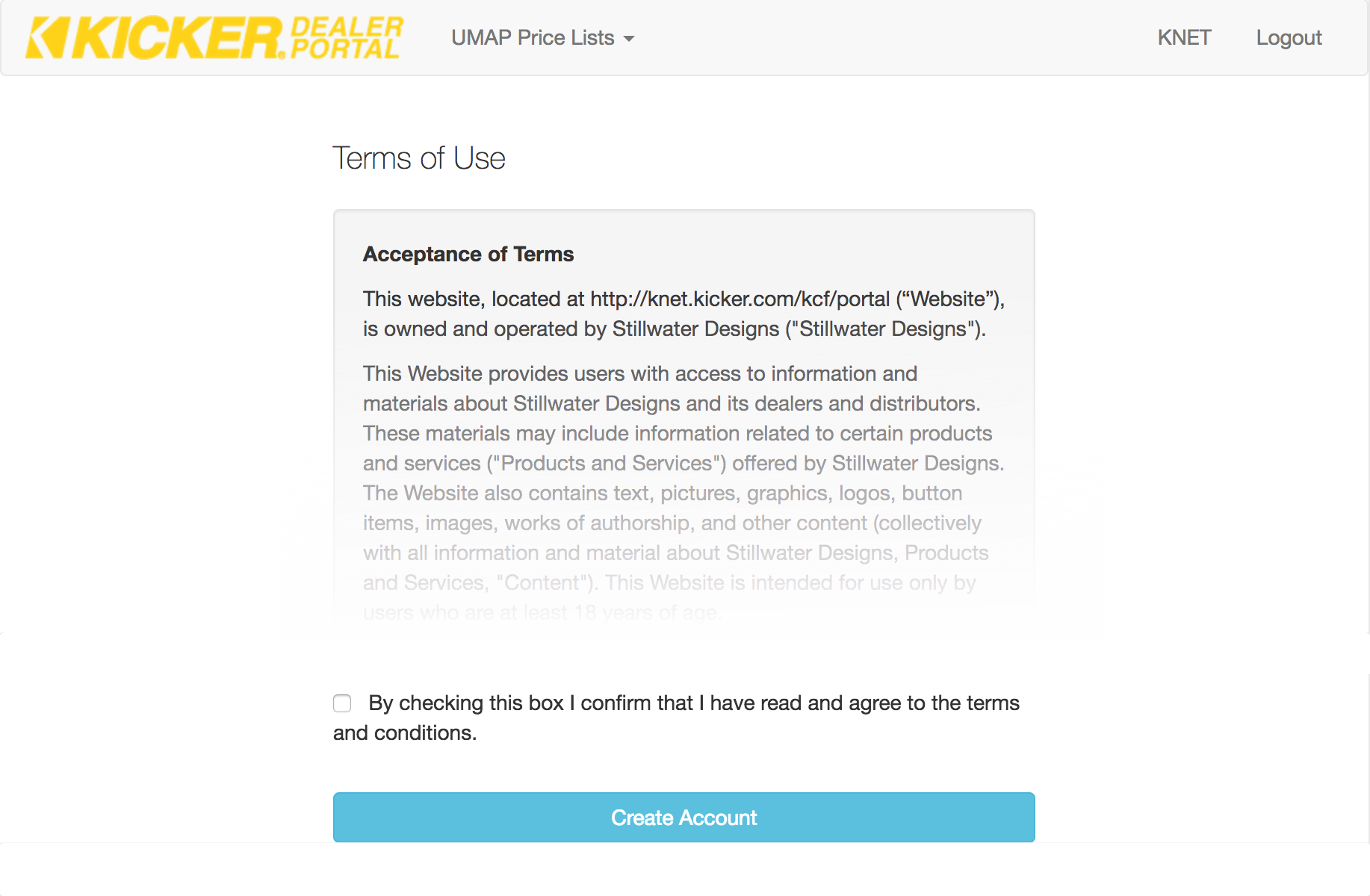
5. Scroll to the bottom of the Terms of Service page and agree to terms by checking the tick box
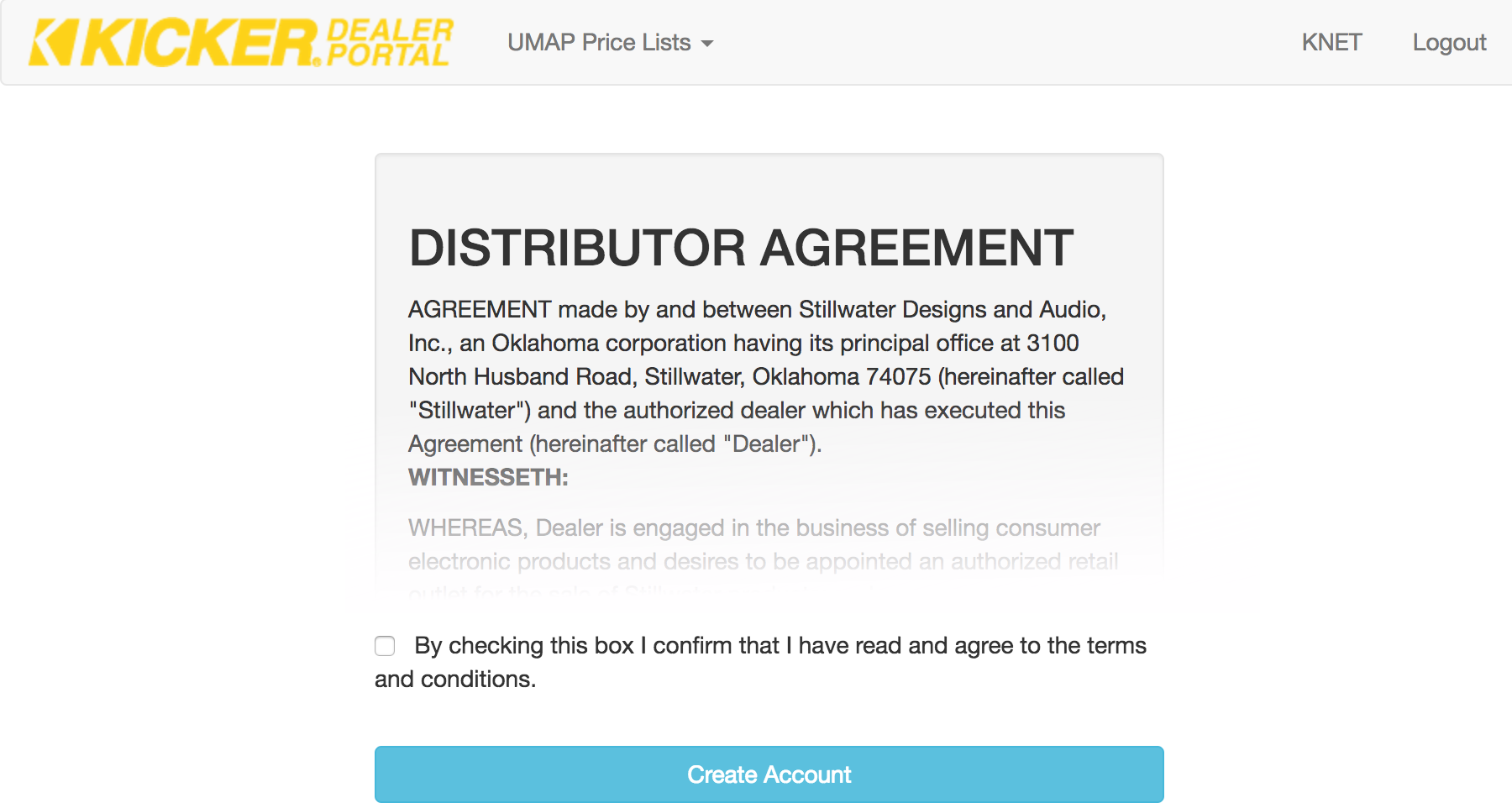
6. Scroll to the bottom of the Distributor agreement page and agree to terms by checking tick box
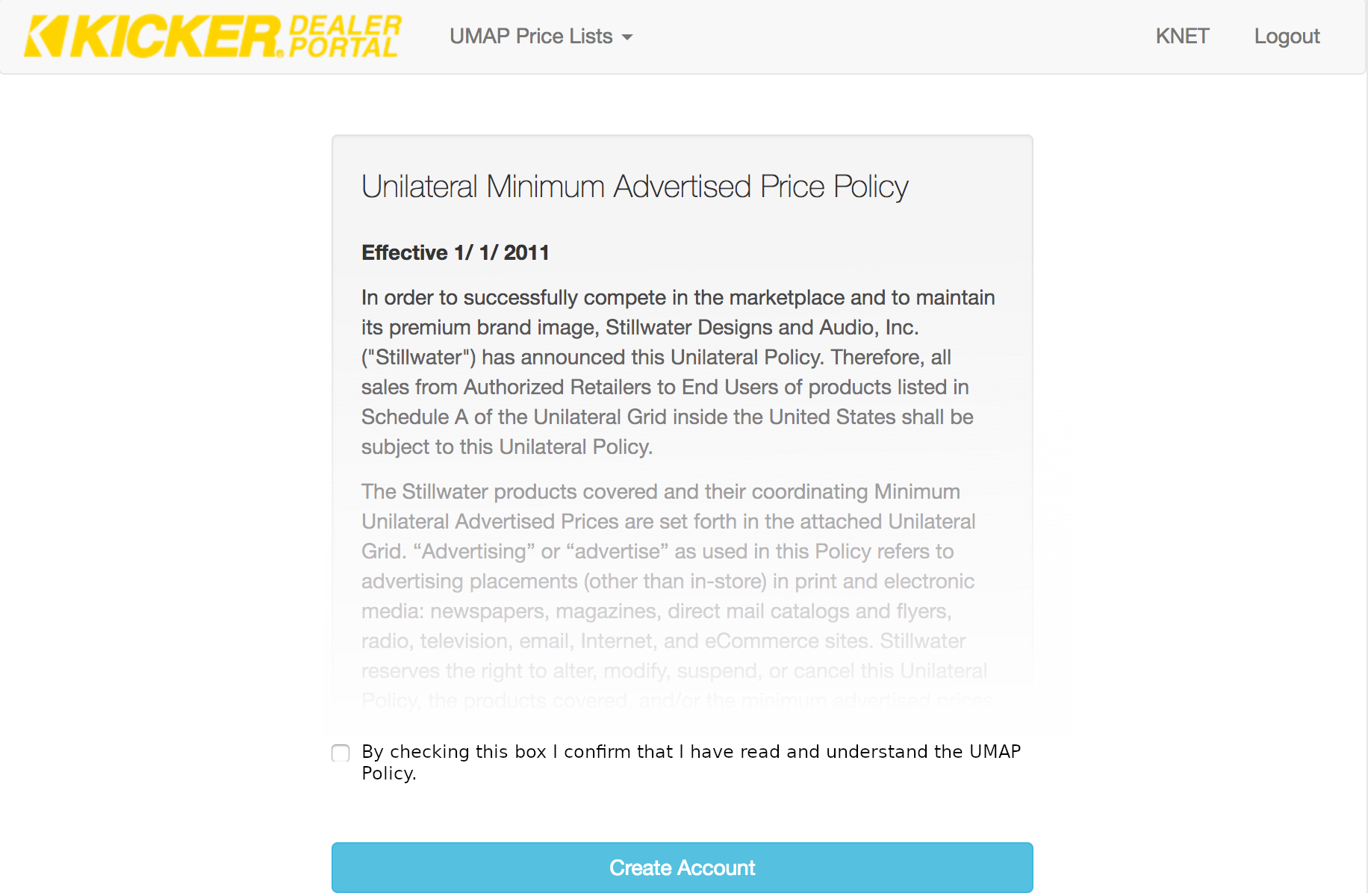
7. Scroll to the bottom of the UMAP agreement page and agree to terms by checking tick box
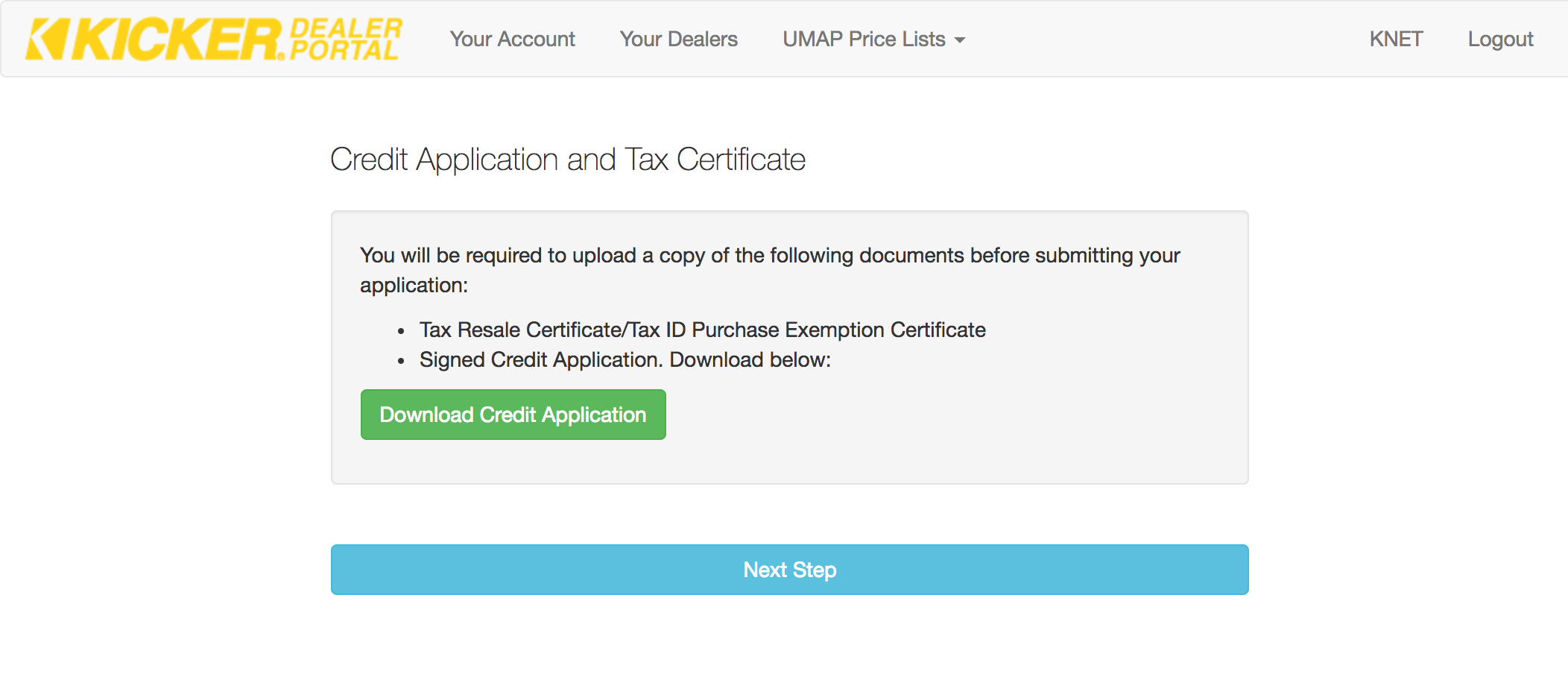
8. Download a copy of the KICKER credit application. You will need to submit a signed copy of this. If you have an existing agreement and are transitioning from the old portal you do not need to provide a credit application or tax certificate.
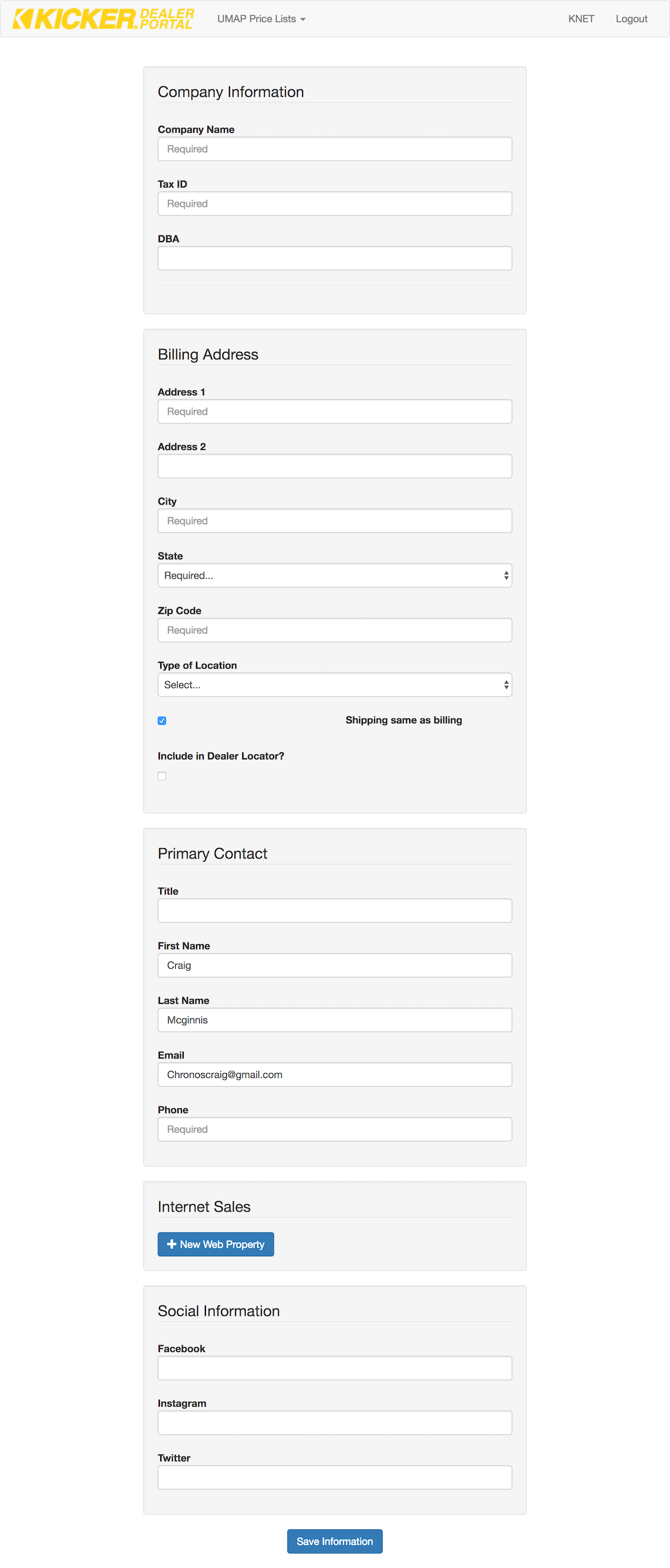
9. Enter your company information, billing & shipping address and primary contact. You will be able to add additional contacts and addresses on the following page.
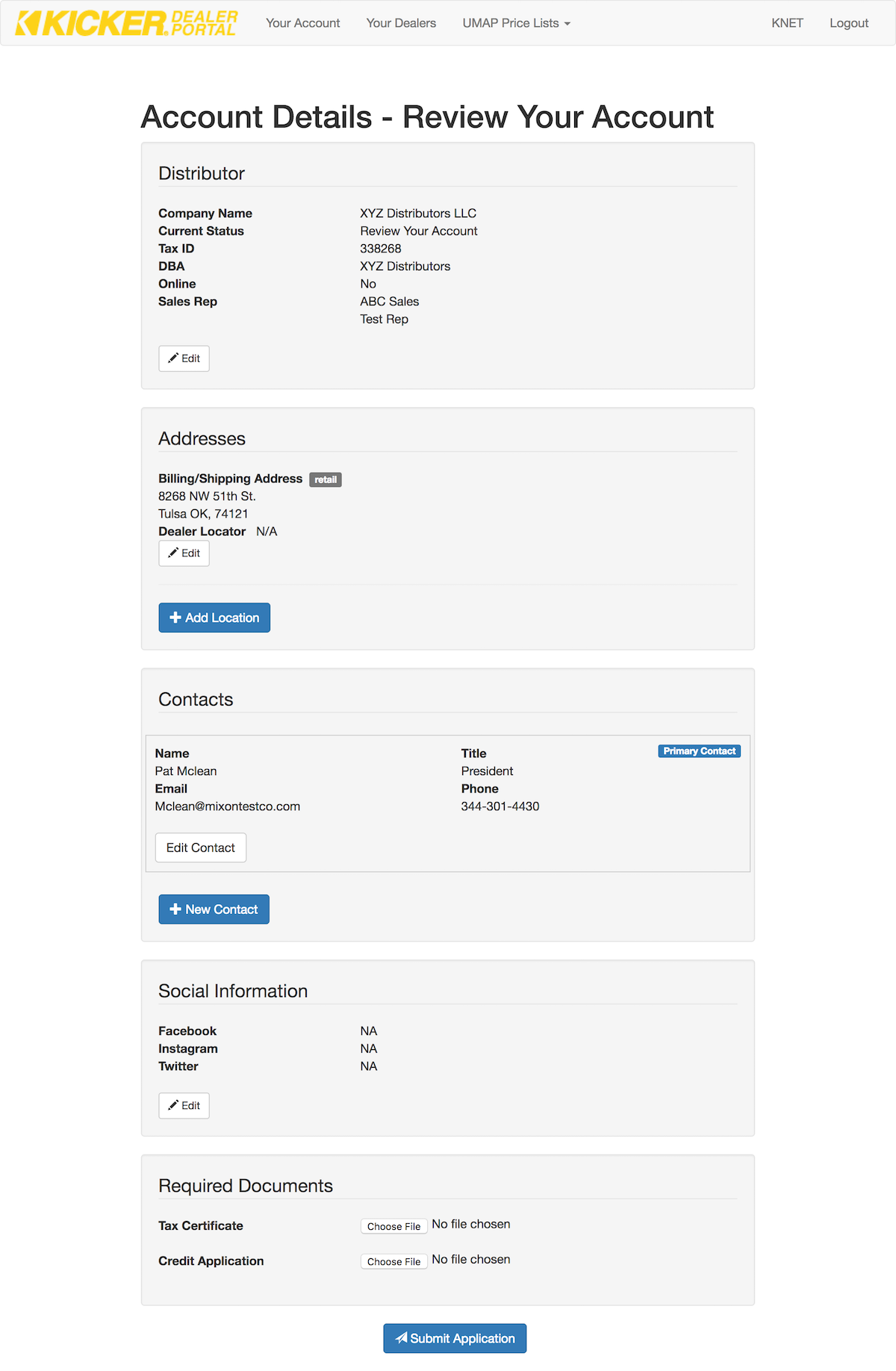
10. Review your application. At this point you can also add additional addresses and contacts. Existing distributors can ignore the tax certificate and credit application fields. Click the “Submit Application” button.
11. Your application will be reviewed and you will receive an email once the review process is complete. You can now access the portal by logging into Knet and clicking the “Portal” link.
